
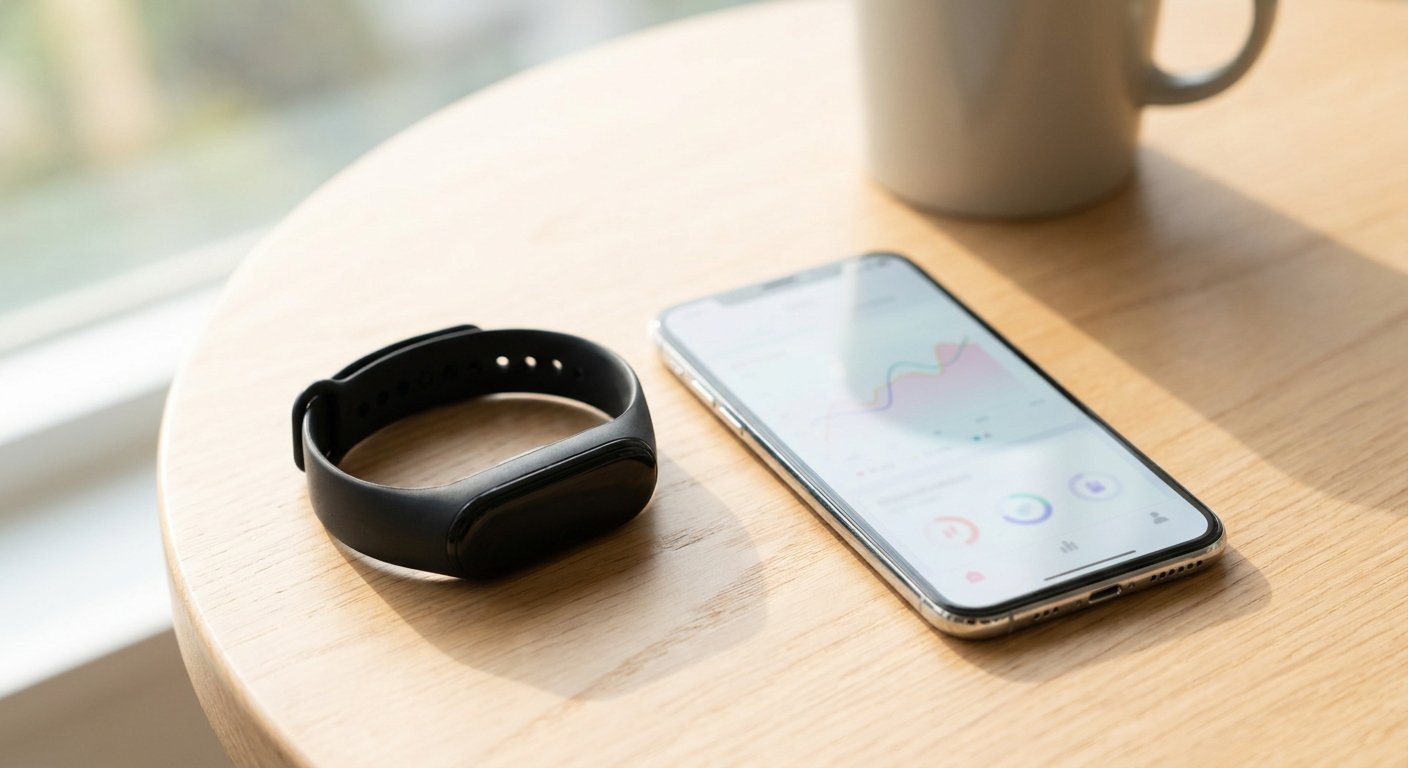
Since 3 August 2026, Google Health can write your Fitbit data into Apple Health. Steps, distance, heart rate, sleep and workouts now flow from your tracker to your iPhone's Health app with no third-party bridge in between.[1]
That is a bigger deal than it sounds. Fitbit devices never had native Apple Health sync. For years, getting Fitbit steps into Apple Health meant paying for a syncing utility or living with a workaround.[2] On Android, the same job is done by Health Connect, and that works in both directions too.
This guide covers the exact taps for both platforms, what syncs and what does not, and how to get your Fitbit steps into Motion at the end of it.
What changed on 3 August 2026?
Google Health for iOS version 5.05 added the missing half of the connection.[1]
Before that update, the connection was one-way. Google Health could read data from your iPhone, Apple Watch and other HealthKit apps, but it could not write Fitbit data back to Apple Health. The release notes for 5.05 describe the new direction plainly: "Share your data like your exercise records, sleep, vitals, steps, and more from Google Health to Apple Health."[1]
If you still think of the app as "the Fitbit app", it is the same thing. Fitbit became Google Health on 19 May 2026, and the hardware kept the Fitbit name. Our guide to what changed when Fitbit became Google Health covers the rest.
How do you connect Google Health to Apple Health on iPhone?
You need an iPhone on iOS 16.4 or later, and you need to be signed in to Google Health with an adult Google Account.[3]
Google's own instructions, step by step:[3]
- Open the Google Health app.
- At the top left, tap Connections, then Apps and services.
- Under "Add connections", tap Apple Health.
- Tap Get started.
- A consent page titled "Sync Google Health with Apple Health" appears. Tap Agree.
- Follow the on-screen prompts and grant the permissions you want.
- When the confirmation page appears, tap Done.
One connection covers both directions. The permissions you grant in step 6 decide what Google Health may read from Apple Health and what it may write into it.
To change your mind later, open the Apple Health app, tap the Sharing tab, then Apps, then Google Health. Every data type has its own switch.[3]
What syncs to Apple Health, and what doesn't?
Most of what a Fitbit records now flows both ways. A few things are read-only, meaning Google Health can pull them from Apple Health but will not push Fitbit's own readings back.[3]
| Data | Direction |
|---|---|
| Steps, distance, floors, active calories, VO2 max | Both ways |
| Exercise sessions and routes | Both ways |
| Sleep sessions and sleep stages | Both ways |
| Heart rate, resting heart rate, blood oxygen, respiratory rate, blood glucose | Both ways |
| Weight, body fat, nutrition, water | Both ways |
| Cycle tracking | Both ways |
| Heart rate variability | Read-only |
| Skin temperature | Read-only |
| Mindfulness minutes | Read-only |
The heart rate variability gap is the one people notice. If HRV is the reason you wanted Fitbit data in Apple Health, this update does not solve that yet.[2]
How do you connect Google Health to Health Connect on Android?
Health Connect is Android's equivalent of Apple Health. It is a system service rather than an app, and it is built in from Android 14 onward. Google Health needs Android 9 or later and, again, an adult Google Account.[4]
Google's steps:[4]
- Open the Google Health app.
- At the top left, tap Connections, then Partner apps.
- Under "Add connections", tap Sync your favorite health apps, then Set up.
- Review the on-screen information and tap Accept.
- Tap the data you want to sync, then Continue.
- Choose your preferences for fitness data, medical records and background access.
- When you see "Google Health is syncing", tap Done.
This one is also two-way. The list of what Google Health can write to Health Connect is long: steps, distance, cadence, floors, exercise and routes, calories, heart rate, heart rate variability, sleep, weight, nutrition and more.[4]
There is one odd platform difference. Blood oxygen writes to Apple Health but not to Health Connect, and HRV is the other way round, writable on Android but read-only on iOS.[4] If either of those is the thing you care about, it is worth knowing before you pick a phone.
Do you still need a third-party sync app?
For most people, no. The paid bridge apps that filled this gap for years, the ones that charged a few pounds to move Fitbit steps into Apple Health, are now doing a job the official app does for free.[2]
Two cases where one might still earn its keep:
- You are on an iPhone below iOS 16.4. The official sync will not work, and a bridge app might.
- You need HRV in Apple Health. Google Health will not write it, so a third-party tool is currently the only route.
Otherwise, set up the official connection, confirm your steps are landing in Apple Health, and cancel the subscription.
How do you get your Fitbit steps into Motion?
This is the part that matters if you want your walking to add up to something.
Motion does not connect to Fitbit or Google Health directly. It reads from Apple Health on iPhone and from Health Connect on Android, the same place your other health apps read from. So once the connection above is working, Motion sees your Fitbit steps automatically.
The full path looks like this:
- Your Fitbit syncs to the Google Health app over Bluetooth, throughout the day and whenever you open the app.[5]
- Google Health writes those steps to Apple Health or Health Connect, using the connection you just set up.
- Motion reads them from there, and your daily goal updates.
In Motion, you grant Apple Health or Health Connect permission once, during setup. If you are on Android and have not set up Health Connect before, our Health Connect setup guide covers installing it and connecting your tracker app.
Why bother? Because Google Health removed the social side when it replaced Fitbit. Badges, groups and challenges went with the rebrand. Motion puts that back, working from the same step data: friend challenges scored on effort rather than raw totals, a goal that adapts to your real week instead of a flat 10,000, and an evolving Motmot that grows as you keep going. There are no streaks to break, which matters if your Fitbit has ever spent a fortnight in a drawer.
What if the steps aren't showing up?
Almost every sync problem comes down to one of three things.
The tracker has not synced to Google Health yet. Neither Apple Health nor Health Connect can forward data the phone has not received. Open Google Health, then pull down on the Today tab or use Sync Now under Connections.[5]
A permission is off. On iPhone, check the Apple Health Sharing tab. On Android, open Health Connect and check what Google Health is allowed to write.
Two apps are both writing steps. If your iPhone and your Fitbit both count steps into Apple Health, you can end up with duplicates. Apple Health lets you set which source takes priority, under the Steps data type and then Data Sources & Access.
The short version
Since 3 August 2026, Google Health writes Fitbit data to Apple Health, and it has written to Health Connect on Android for longer. Connect it once through Connections in the Google Health app, grant the permissions, and your steps land where every other app can use them. HRV is the one thing that still will not cross to Apple Health. After that, Motion picks up the steps on its own, and the walking starts to count for something again.
Sources
- 9to5Mac (3 August 2026). Google Health adds two-way Apple Health syncing on iPhone for Fitbit
- MacRumors (3 August 2026). Fitbit Data Can Finally Sync to Apple Health
- Google Health Help Center. How do I use Apple Health with the Google Health app?
- Google Health Help Center. How do I use Health Connect with the Google Health app?
- Google Health Help Center. How do Fitbit devices sync their data?


